How to Reset Your Password
Forgotten your password? No worries, it happens to the best of us. Getting back into your account only takes a minute.
Steps to reset your password:
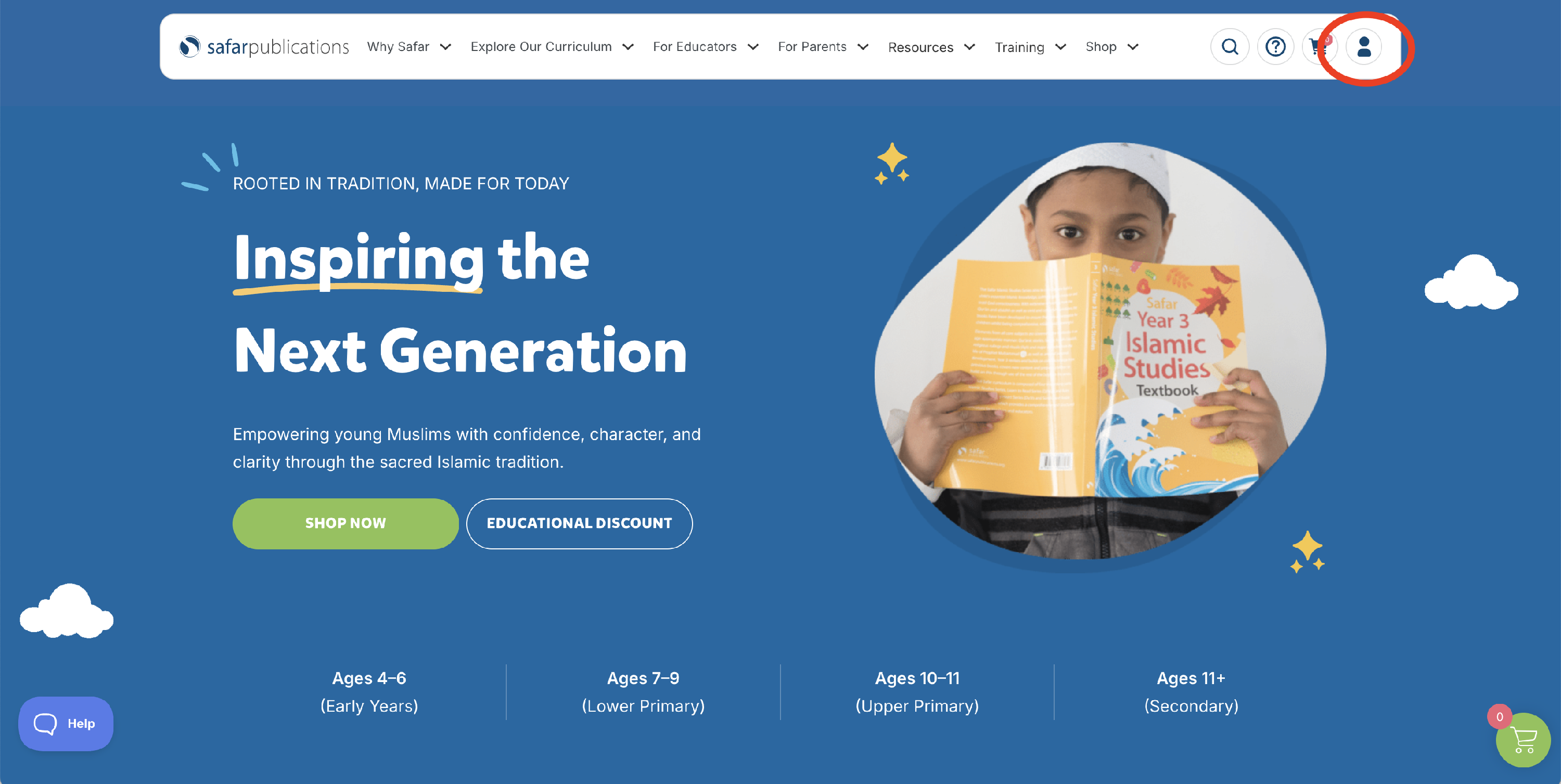
- Go to the Safar Publications website and click Log In in the top right corner.
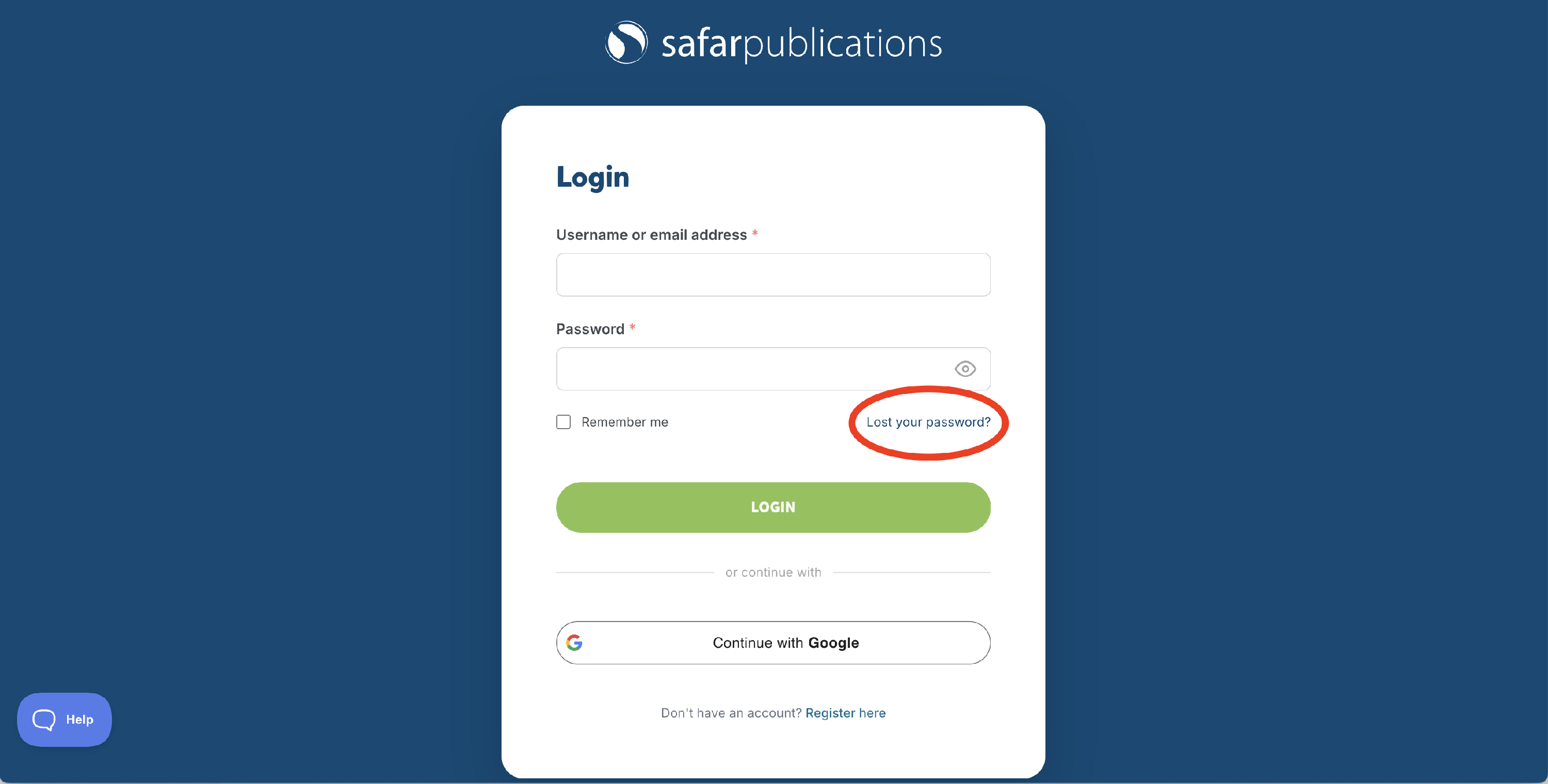
- Click Forgot your password? beneath the login fields.
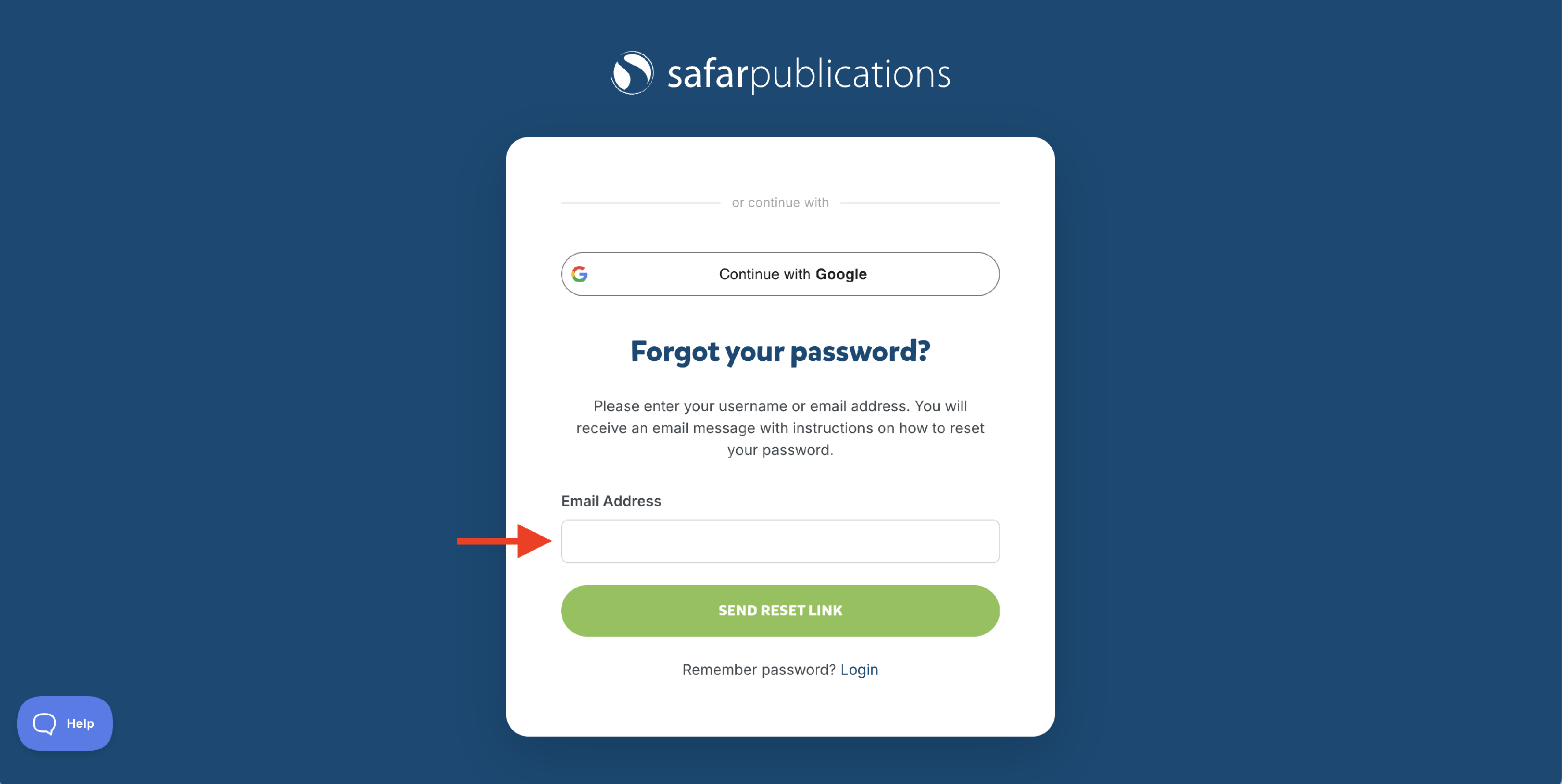
- Enter the email address linked to your account and click Send Reset Link.
- Check your inbox for an email from us — it should arrive within a few minutes. If you don't see it, please check your junk or spam folder.
- Click the link in the email and follow the prompts to create a new password.
- Once reset, log in as normal.
Still having trouble? If you haven't received the reset email or the link has expired, please contact our customer support team and we'll get you sorted.